
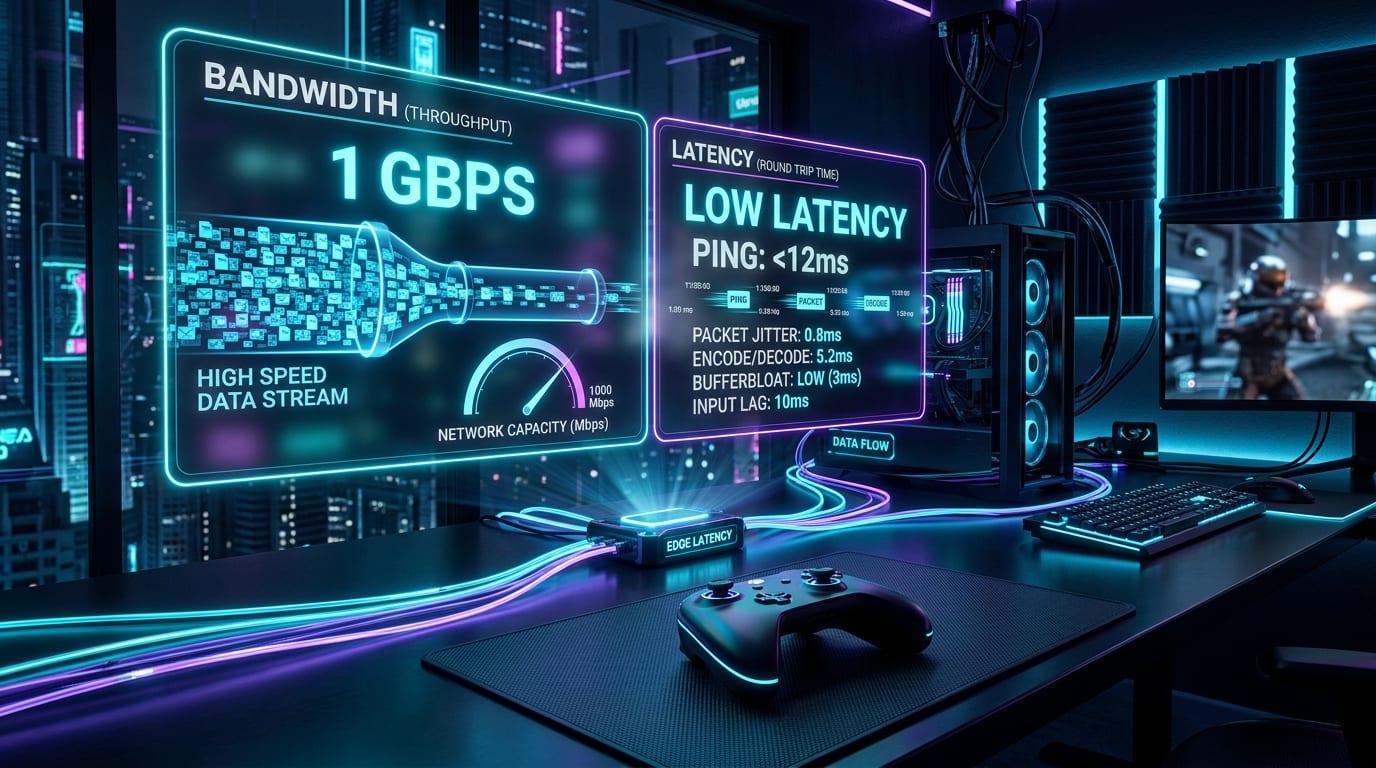
For decades, high-end PC gaming followed an ironclad economic requirement: if you wanted to experience cutting-edge graphics, ultra-high framerates, and ray tracing, you had to drop thousands of dollars on physical silicon, motherboards, power supplies, and bulky metal towers.
In 2026, cloud gaming has evolved from an unreliable, latency-ridden novelty into a genuine high-performance alternative. Services like NVIDIA GeForce NOW Ultimate now beam full RTX 5080-class server rigs running 4K at 240Hz directly to low-spec laptops, tablets, smart TVs, and handheld consoles over fiber broadband.
Does this mean the traditional desktop gaming PC is obsolete? Or does local silicon still hold decisive, unshakeable advantages in latency, visual fidelity, modding, and long-term ownership?
Here is the definitive 2026 head-to-head comparison between building or buying a dedicated Gaming PC versus subscribing to Cloud Gaming.
---
1. How They Work: Local Silicon vs Remote Megawatt Clusters
Understanding the technical divide is essential to choosing the right platform:
- Dedicated Gaming PC: All graphics calculations, physics routines, and frame rendering occur directly on local hardware sitting under your desk. Rendered frames travel through a physical DisplayPort 2.1 or HDMI 2.1 cable to your display with near-zero transmission latency.
- Cloud Gaming: The game runs hundreds of miles away inside an enterprise hyperscale datacenter. Your controller inputs travel over your home internet to the server; the remote server executes the actions, renders the frames, compresses the video feed into an AV1 or HEVC video stream, and transmits the video packets back to your display in real time.
---
2. Latency: The Unforgiving Laws of Physics
Latency is the single most critical factor separating local hardware from cloud streaming.
On a local PC connected to a high-refresh OLED monitor, end-to-end system latency (the time between clicking your mouse and seeing the muzzle flash on screen) typically ranges between 4 to 12 milliseconds.
On cloud gaming, no matter how powerful the remote graphics card is, your signals must travel across physical fiber-optic cables through regional internet exchanges:
- Input transmission to datacenter: ~8 to 20ms
- Remote frame rendering & encoding: ~4 to 8ms
- Video stream return trip: ~8 to 20ms
- Local device video decoding: ~2 to 5ms
Title: Average End-to-End System Latency (Lower is Better)
Badge: Milliseconds (ms)
Local Gaming PC (240Hz OLED): 6 ms | 6 | emerald | Direct PCIe 5.0 GPU to native display
GeForce NOW Ultimate (Ethernet Fiber): 26 ms | 26 | cyan | Sub-15ms regional datacenter ping + AV1 hardware decode
GeForce NOW Priority (Standard Fiber): 42 ms | 42 | indigo | Standard regional routing at 1080p 60FPS
Xbox Cloud Gaming (Ethernet): 54 ms | 54 | amber | Standard console-based datacenter stream
Cloud Gaming (5GHz Home Wi-Fi): 68 ms | 68 | amber | Wireless jitter and beacon transmission overhead
Cloud Gaming (2.4GHz / Congested Mobile): 118 ms | 118 | red | High packet variance and noticeable input sluggishness
Note: Benchmarked on symmetric 1 Gbps fiber. Real-world results vary by geographic distance to server nodes.
The Verdict on Latency:
For cinematic single-player RPGs (The Witcher 4, Cyberpunk 2077, Baldur's Gate 3), 25 to 35ms of cloud latency feels remarkably fluid and virtually indistinguishable from a console. However, for twitch-reflex competitive esports (Valorant, Counter-Strike 2, Apex Legends, Rocket League), even a 20ms handicap will put you at a decisive competitive disadvantage against local PC opponents.
---
3. Visual Fidelity: Native DisplayPort vs Video Compression
One of the best-kept secrets of cloud gaming is that resolution is not fidelity.
A native 4K display receiving an uncompressed signal from an RTX 5070 or RTX 5080 delivers pure, pixel-perfect detail. Every hair, particle, and shadow edge is rendered cleanly without compression artifacts.
In contrast, cloud gaming must compress that 4K image into a real-time video stream ranging between 45 and 75 Mbps. In brightly lit, static scenes, modern AV1 and H.265 codecs produce astonishingly crisp imagery. However, when complex, chaotic visual data appears:
- Heavy volumetric fog, smoke, and storm effects
- Dense foliage in forest canopies (Avatar: Frontiers of Pandora)
- Rapid camera turns in high-speed racing games
The video encoder inevitably introduces macroblocking, subtle color banding, and micro-blurring in dark shadow gradients. If you are an absolute image-quality purist playing on an expensive 4K QD-OLED display, local silicon still reigns supreme.
---
4. Comprehensive Head-to-Head Comparison Matrix
| Evaluation Category | Dedicated Gaming PC | Cloud Gaming (GeForce NOW / Xbox) |
|---|---|---|
| Upfront Capital Investment | High ($800 to $2,500+) | Extremely Low ($0 to $100 for client device) |
| Monthly Operating Cost | Electricity only (~$5–$12/month) | $10 to $22/month subscription fee |
| Hardware Upgrade Lifespan | 4–6 years with modular part swaps | Zero maintenance; server hardware upgraded automatically |
| End-to-End Latency | 4ms to 12ms (esports tier) | 22ms to 65ms (dependent on network) |
| Internet Dependency | None for single-player / offline titles | Absolute; no internet = zero games |
| Modding & Custom Tools | Complete freedom (NexusMods, reshades, trainers) | Strictly banned or impossible on remote VMs |
| Visual Compression | Zero; pure uncompressed HDMI 2.1 / DP 2.1 | Mild to moderate video streaming compression |
| Storage & Download Times | Requires 1TB–4TB fast NVMe SSD storage | Instant play; zero downloads or storage management |
| Game Ownership Sovereignty | Permanent library on Steam, Epic, GOG | Requires owning game or active catalog subscription |
---
5. Modding, Customization, and Software Freedom
For millions of PC gamers, the desktop experience is not merely about launching a game; it is about transforming it.
On a dedicated Gaming PC:
- You can install thousands of community mods via NexusMods or Steam Workshop, adding custom story expansions, overhaul graphics, and fix engine bugs.
- You can run custom resolutions, multi-monitor setups, ultrawide fixes, and community-made performance patches.
- You can run background voice applications, streaming software (OBS), and performance overlays simultaneously.
On Cloud Gaming:
- You are locked into a sealed, sandboxed virtual machine.
- With very few exceptions, modding is non-existent. You cannot alter game files, inject custom scripts, or use third-party tools. If a game's PC version relies on community mods to achieve its full potential (such as Skyrim, Fallout: New Vegas, or Assetto Corsa), cloud gaming limits you strictly to the vanilla experience.
---
6. Financial Breakdown: Upfront Cost vs 3-Year TCO
Is cloud gaming genuinely cheaper in the long run? Let's analyze the numbers over a three-year gaming window:
Title: 3-Year Total Cost of Ownership (Hardware & Platform Fees)
Badge: USD Investment ($)
Budget Cloud Setup (Mini PC + GFN Priority 36 mo): $460 | 460 | emerald | Inexpensive client box + standard 1080p cloud tier
Premium Cloud Setup (Shield/Mini PC + GFN Ultimate 36 mo): $980 | 980 | cyan | 4K 120Hz client hardware + RTX 5080-tier cloud subscription
Entry-Level 1080p Local Gaming PC (Complete Rig): $850 | 850 | indigo | Ryzen 5 + RTX 5060 desktop + zero recurring platform fees
Mid-Range 1440p Local Gaming PC (Complete Rig): $1450 | 1450 | amber | Ryzen 7 + RTX 5070 desktop + high-speed 2TB NVMe
High-End 4K Enthusiast Gaming PC: $2200 | 2200 | rose | Flagship AM5 + RTX 5080 desktop with 32GB DDR5 & 850W PSU
Note: Costs exclude individual game software purchases. Hardware includes desktop tower and power consumption estimates over 36 months.
Cloud gaming offers an astonishingly low barrier to entry. For the price of a mid-range graphics card alone ($600), you could fund nearly two and a half years of top-tier 4K 120Hz cloud gaming without ever worrying about broken fans, thermal paste, or driver crashes.
However, a physical gaming PC retains residual resale value. After three years, you can sell your desktop or individual GPU for 40% to 50% of its initial cost, whereas subscription payments are gone forever.
---
7. The 2026 Selection Flowchart
Title: You Should Choose a Dedicated Gaming PC If:
Badge: Power User
- You play competitive multiplayer shooters (Valorant, CS2, Overwatch, Apex) where every millisecond of input lag determines your rank.
- You want uncompromised, uncompressed 4K visuals on a high-end OLED or high-refresh gaming monitor.
- You are an active game modder who customizes textures, gameplay scripts, and community expansions.
- Your home internet has monthly data caps, high latency, or frequent household bandwidth congestion.
- You use your PC for secondary productive workloads: 3D modeling, video editing, local AI models, or software development.
Title: You Should Choose Cloud Gaming If:
Badge: Modern Streamer
- You want to play AAA titles without spending $1,000 to $2,000 upfront on computer hardware.
- You travel frequently or live in compact living spaces where a bulky desktop tower is impractical.
- You despise managing storage space, downloading 150GB game patches, and updating graphics drivers.
- You have access to reliable fiber or high-speed cable broadband with low ping and zero data caps.
- You want instant access to high-fidelity gaming on thin laptops, smart TVs, or handheld devices like the Steam Deck.
---
The Verdict: The Rise of the Hybrid Gamer
In 2026, the question is no longer whether cloud gaming will kill the PC. Instead, the most savvy gamers are embracing a hybrid lifestyle.
Many enthusiasts own a modest local desktop or gaming laptop for competitive esports, modding, and offline gaming, while using a cloud gaming subscription to stream demanding, cinematic AAA ray-traced blockbusters to their television or portable devices.
Whichever path fits your budget and lifestyle, modern gaming has never been more flexible or accessible.
Ready to price out a dedicated rig? Experiment with our Gaming PC Builder or verify your hardware compatibility with the PC Game Requirements Checker. Share your setup and debate the future of hardware on the Game Vault Community Forum.