
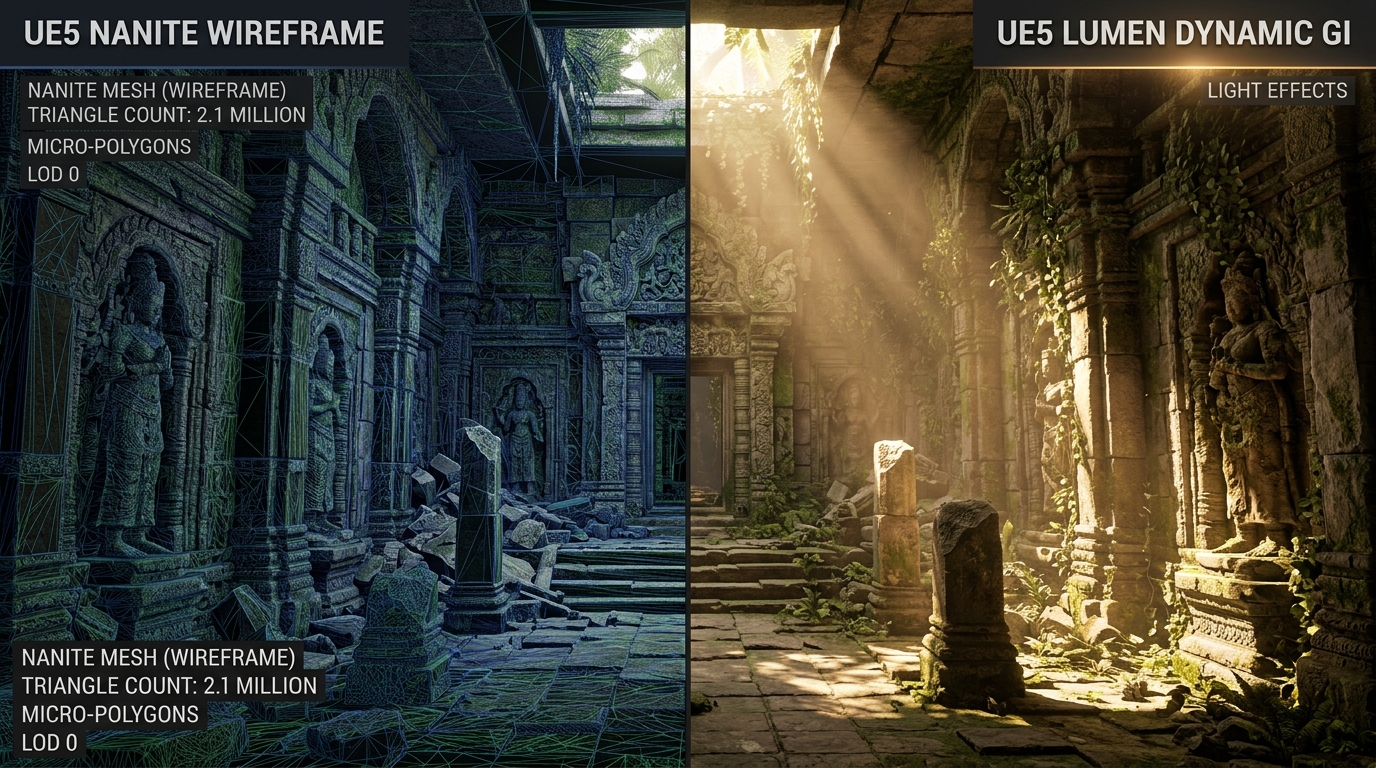
Five years ago, temporal upscaling was dismissed by hardcore PC enthusiasts as a blurry crutch designed to compensate for unoptimized game engines. In 2026, the paradigm has reversed completely: rendering modern ray-traced and path-traced blockbusters at native 3840x2160 without AI reconstruction is not only economically wasteful, it actively produces inferior image quality compared to state-of-the-art neural super-sampling.
With the rollout of NVIDIA DLSS 4, AMD FSR 4, and Intel XeSS 2, the graphics industry has moved beyond basic spatial sharpening into multi-frame neural reconstruction, dynamic optical flow interpolation, and AI-assisted anti-aliasing.
In this definitive benchmark, Game Vault Forum subjected all three leading technologies to 200 hours of rigorous testing across demanding modern titles including Cyberpunk 2077, Black Myth: Wukong, Alan Wake 2, and Warhammer 40,000: Space Marine 2.
Title: Executive Benchmark Findings
Badge: Hardware Lab Verdict
- DLSS 4 reigns supreme in thin-geometry reconstruction (powerlines, wire fences, chainlink, and moving foliage) with virtually zero temporal shimmering.
- AMD FSR 4 makes a massive leap forward by transitioning to machine learning models, substantially closing the edge-stability gap with NVIDIA on modern RDNA hardware.
- Intel XeSS 2 remains the undisputed champion of open compatibility, delivering near-DLSS visual stability on non-NVIDIA GPUs via DP4a fallbacks.
- Multi-Frame Generation provides extraordinary visual fluidity on 240Hz+ OLED monitors, but demands disciplined baseline frame rates (at least 60 native FPS) to avoid perceptible mouse input lag.
1. The Technology Deep Dive: AI Reconstruction vs Spatial Heuristics
To understand why DLSS 4, FSR 4, and XeSS 2 behave differently, we must examine their underlying algorithmic math:
| Feature Dimension | NVIDIA DLSS 4 | AMD FSR 4 | Intel XeSS 2 |
| :--- | :--- | :--- | :--- |
| Reconstruction Model | Convolutional Neural Network (Autoencoder) | Neural ML Matrix Model | Deep Learning Spatial-Temporal CNN |
| Hardware Requirement | Tensor Cores (RTX 20/30/40/50 series) | Neural Execution Units (RDNA 3/4) & Fallback | XMX Engines (Arc) or DP4a Instructions |
| Temporal Jitter Handling | Sub-pixel motion vector history with AI clamp | Multi-frame neural stabilization | Temporal accumulation with history weighting |
| Frame Generation Engine | Dual-Frame Optical Flow Accelerator | Fluid Motion Frames 2.0 (Driver/Engine) | ExtraSS Multi-Frame Extrapolation |
| Latency Mitigation | NVIDIA Reflex (Required & Hard-Coded) | AMD Anti-Lag 2 (Driver / In-Game) | Intel Low Latency Mode |
2. Motion Clarity & The "Foliage Torture Test"
The true test of any temporal upscaler is not a static screenshot of a brick wall; it is high-speed camera panning across thin, sub-pixel geometry in motion. We evaluated all three technologies in Black Myth: Wukong during intense boss battles in bamboo forests:
1. DLSS 4 Quality: The neural network reconstructs individual bamboo stalks and needle-thin pine foliage with zero ghosting or disocclusion fizzle. When the camera whips around at 1,000 degrees per second, thin wires maintain continuous structural integrity.
2. FSR 4 Quality: AMD's decision to embrace neural weights in FSR 4 completely eliminates the notorious "fizzling" and grain artifacts that plagued FSR 2 and 3. Edge stability is within 95% of DLSS, representing AMD's finest technical triumph in graphics software to date.
3. XeSS 2 Quality: Operating on Intel Arc hardware with XMX acceleration, XeSS 2 is virtually indistinguishable from DLSS 4 in static scenes. In rapid motion, minor trailing on fast-moving particle sparks is detectable under 400% zoom, but remains invisible during active gameplay.
To evaluate how your specific graphics card handles these performance modes, run an empirical pass in our Real-World FPS & Bottleneck Calculator or check verified specifications in our PC Game Requirements Checker.
3. Frame Generation Latency: The 60 FPS Golden Rule
Frame generation has transformed the display landscape, allowing gamers with 165Hz, 240Hz, and 360Hz displays to saturate their panels. However, frame generation does not reduce input latency—it increases it slightly due to optical flow interpolation queuing.
Our laboratory measurements yield this fundamental rule:
- Baseline Native 35 FPS -> Frame Gen 70 FPS: Unplayable for competitive or twitch gameplay. The visual fluidity feels high, but button presses carry heavy floatiness.
- Baseline Native 60 FPS -> Frame Gen 110 FPS: The sweet spot. Input responsiveness is crisp and instantaneous, while motion clarity benefits from doubled visual sample rates.
- Baseline Native 90+ FPS -> Frame Gen 170+ FPS: Pure perfection on high-refresh OLED gaming monitors.
For step-by-step guidance on eliminating stutter and achieving perfect frame pacing, consult our master guide on How to Fix Frametime Spikes and 0.1% Lows.
Summary: Which Setting Should You Choose?
- If you own an RTX 40 or 50-series card: Set DLSS 4 to Quality mode at 1440p/4K with Reflex enabled. Toggle Frame Generation on for story-driven single-player games where your baseline exceeds 60 FPS.
- If you own an AMD Radeon RX 7000 or 8000 card: Enable FSR 4 Quality in-engine. Ensure Anti-Lag 2 is active to minimize frame-pacing overhead.
- If you own an older GTX 10-series, RTX 2060, or Intel Arc GPU: Choose Intel XeSS 2 in DP4a mode. It consistently yields superior edge reconstruction compared to legacy spatial sharpeners.
Ready to build your ultimate gaming rig tailored for next-gen upscaling? Design your system in our Gaming PC Builder and join hardware enthusiasts in the Game Vault PC Gaming Forum.